What is Gitea CLI?
Gitea CLI (gt) is the official command-line interface for Gitea, and the successor to tea, which is now archived and gets no further releases. It is a single, lightweight binary that turns the entire Gitea workflow — issues, pull requests, releases, repositories, Actions, even server administration — into a few keystrokes, and works against any number of Gitea instances at once. gt supports Gitea 28 and newer.
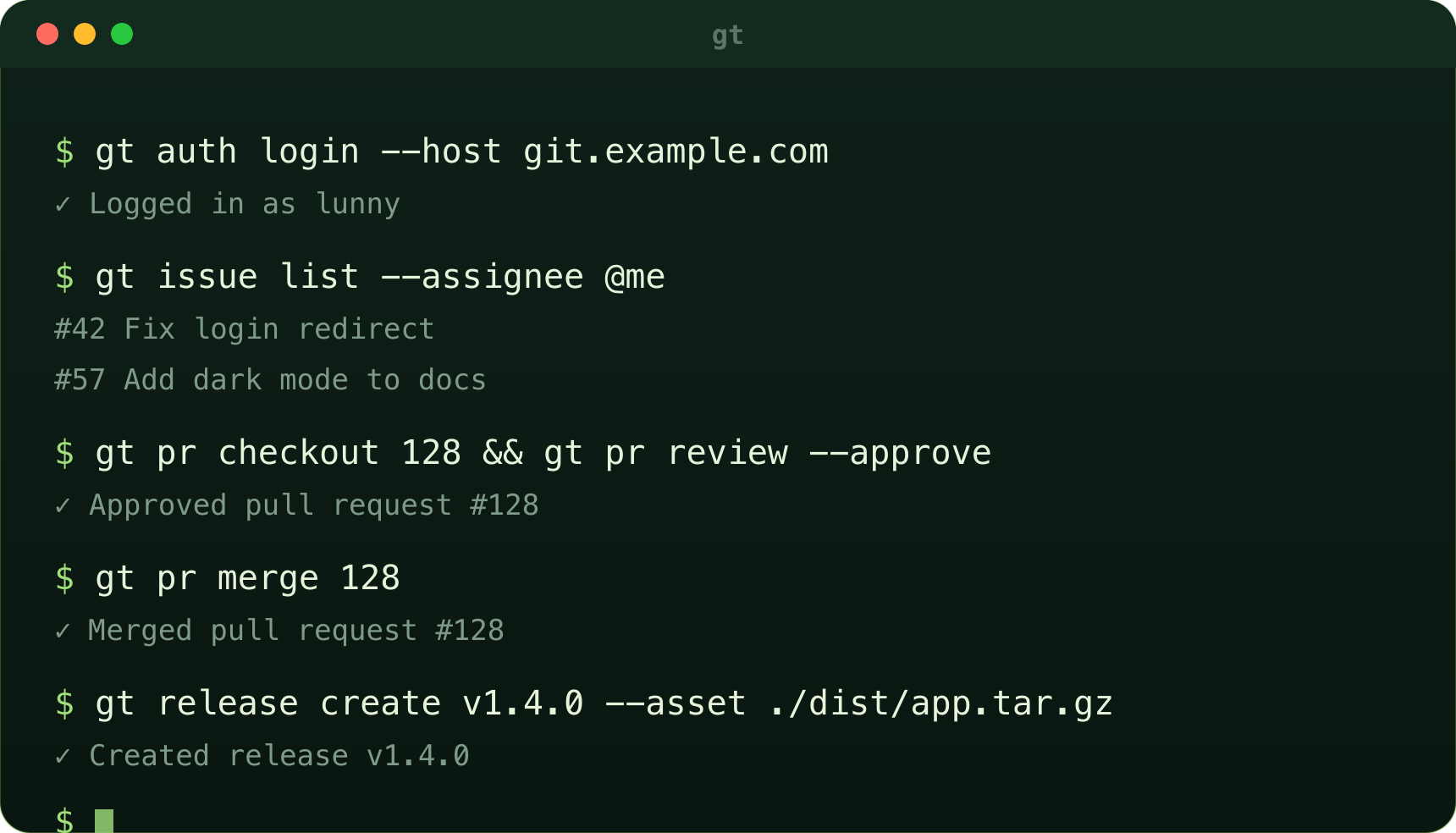
See it in action
A few commands you'll use every day:
# Connect to one or many Gitea servers
gt auth login --host git.example.com --with-token

# Triage and comment on issues
gt issue list --state open --assignee @me
gt issue comment 42 "Looking into this now."

# Review a pull request locally, then merge it
gt pr checkout 128
gt pr review 128 --approve --body "LGTM"
gt pr merge 128

# Backport a merged pull request to release branches
gt pr backport 42 --to release/v1.25 --to release/v1.24

# Cut a release as part of a CI job
gt release create v1.4.0 --asset ./dist/app.tar.gz
Built for humans, scripts, and agents
- Day-to-day work: manage issues, PRs, releases, repos, labels, projects, and Actions runs without ever leaving your terminal.
- CI/CD pipelines: use gt in Gitea Actions, GitHub Actions, Jenkins, or GitLab CI to comment on PRs, update issues, and publish releases. Set
GITEA_TOKENand you are ready; in Gitea Actions gt picks up the instance from the job. - AI agents: give LLM-powered agents a safe, scoped, and deterministic interface to triage issues, draft PR reviews, and orchestrate multi-repo changes through plain shell commands.
Why Gitea CLI?
- Scales with you — one Gitea instance or hundreds, all from one login setup.
- End-to-end coverage — daily collaboration and server administration in one tool.
- Script-friendly — stable
--json,--jqand--csvoutput, documented exit codes, and semantic versioning since 1.0. - Extensible — install
gt-NAMEextensions from any Gitea instance, and keep gt current withgt upgrade. - Open source — built with the Gitea community, the same way you ship your own code.
Install
On Linux, macOS, FreeBSD and OpenBSD:
curl -fsSL https://gitea.com/gitea/cli/raw/branch/main/scripts/install.sh | shOn Windows (PowerShell):
irm https://gitea.com/gitea/cli/raw/branch/main/scripts/install.ps1 | iexOr use brew install gitea-cli, a .deb, .rpm, .apk or Arch package, docker run --rm gitea/gitea-cli --help, or go install gitea.dev/cli/cmd/gt@latest. Prebuilt binaries are also available from the download button above or from dl.gitea.com/gitea-cli.
Coming from tea?
The migration guide maps tea's commands and flags to gt's. Read more in the gt 1.0.0 announcement.
Getting started
Log in once with gt auth login, then browse the gt repository for the command reference, or open an issue to tell us what is missing.